 Koen Heye
Sitecore XM Cloud - Running local XM Cloud in Docker
Earlier this year, I had the opportunity to work on a Proof of Concept with XM Cloud.
Since it was a while that I've set everything up - I wanted to document my progress here. In case someone runs into the same issues as I did.
Prep
Make sure IIS is stopped completely
iisreset /stop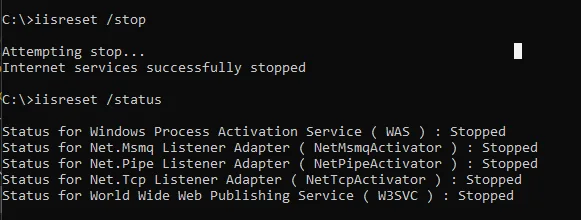
Setup
Have your repository ready! Make sure you have a Sitecore license file locally. Use Powershell terminal as administrator or use the terminal in Visual Studio Code. Make sure you run VSC as Administrator.
- Go to root path of repository
- Init
#adjust with your config
.\local-containers\scripts\init.ps1 -InitEnv -LicenseXmlPath "C:\license\license.xml" -AdminPassword "Password1234!"- Import module
Import-Module SitecoreDockerTools- Download containers (will take a while) & spin up
./local-containers/scripts/up.ps1Errors
NodeJs cannot be built
I got this error:
ERROR: Service 'nodejs' failed to build : Build failedI changed:
- Docker config with “buildkit”:false
https://sitecore.stackexchange.com/questions/33871/nodejs-container-build-in-xmcloud-foundation-head
Node cannot be downloaded
Next error - still on nodejs, but looks different now.
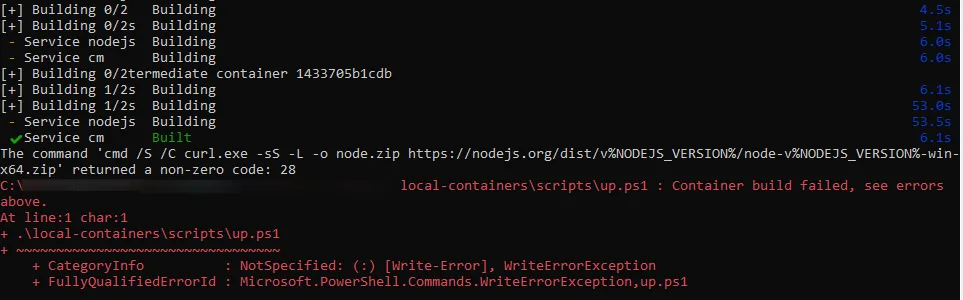
Issue is that the build cannot access outside networks. An option is to use google DNS setting: 8.8.8.8 But that didn’t solve my issues.
Other options tried: https://sitecoreblog.marklowe.ch/2023/11/could-not-resolve-host-nodejs-org-when-setting-up-xm-cloud-locally/
Also tried to flush DNS: ipconfig /flushdns
Furthermore GlobalProtectVPN may also be blocking these connections. As mentioned here:https://vincent-lui.medium.com/running-sitecore-in-docker-containers-an-enterprise-environment-b4c1d469b423
In the end, the only option was to download the nodejs version manually and edit the nodejs DockerFile to pick up the downloaded files. See this blog post as well: https://sitecorewithraman.wordpress.com/2023/02/11/setup-local-xm-cloud-development-environment-using-docker-containers/
mkdir node
cd node
curl.exe -sS -L -o node.zip https://nodejs.org/dist/v22.11.0/node-v22.11.0-win-x64.zip
tar.exe -xf node.zip -C C:\node
Then update the nodejs Dockerfile

Third error: icalcs permission issue
Permissions cannot be set with icacls

I tried different things, in the end I commented out the RUN icacls.exe from the Dockerfile.
And ran it manually on the already manually managed C:\node folder.
icacls.exe C:\node\ /grant "Authenticated Users":(F) /t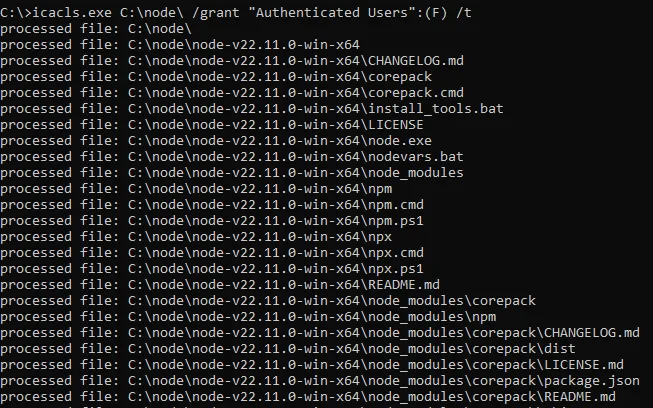
Fourth error: cannot create solr
Error response from daemon: failed to create endpoint xmcloud-starter-js-solr-1 on network xmcloud-starter-js_default: failed during hnsCallRawResponse: hnsCall failed in Win32: The process cannot access the file because it is being used by another process.
Solution: make sure solr services are stopped. I'm switching between Sitecore installations quite a lot. And have solr running locally for some solutions. So makes sure solr is stopped. Check the Services.
nssm stop solr-8.4.1
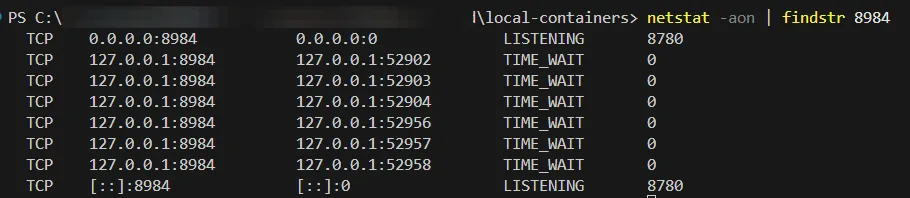
Check if the port 8984 is in use:
netstat -aon | findstr 8984
Fifth error: network name already exists
This error occurred when trying to solve the solr create error.

Solution was to prune, which removes the network that was lingering around.
docker system prune
Result
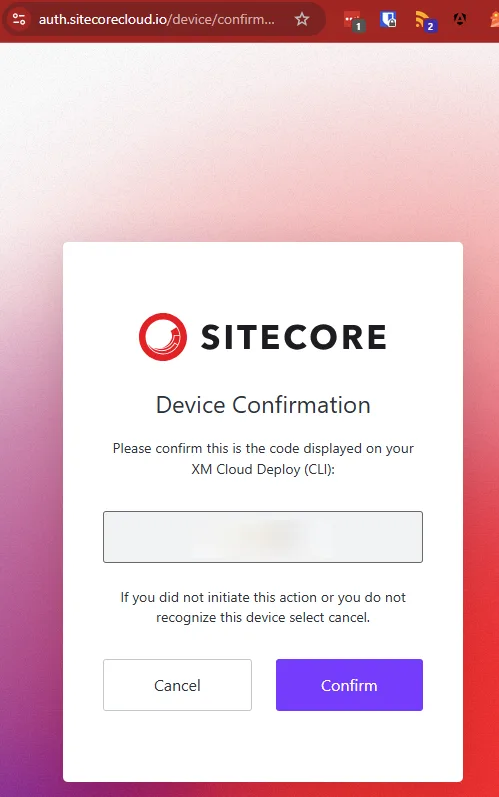
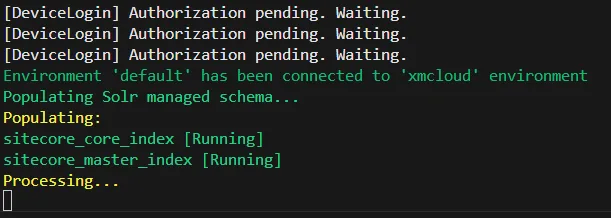
Authentication screen will be visible when all containers are able to start!